Step 1
Log your meals in seconds
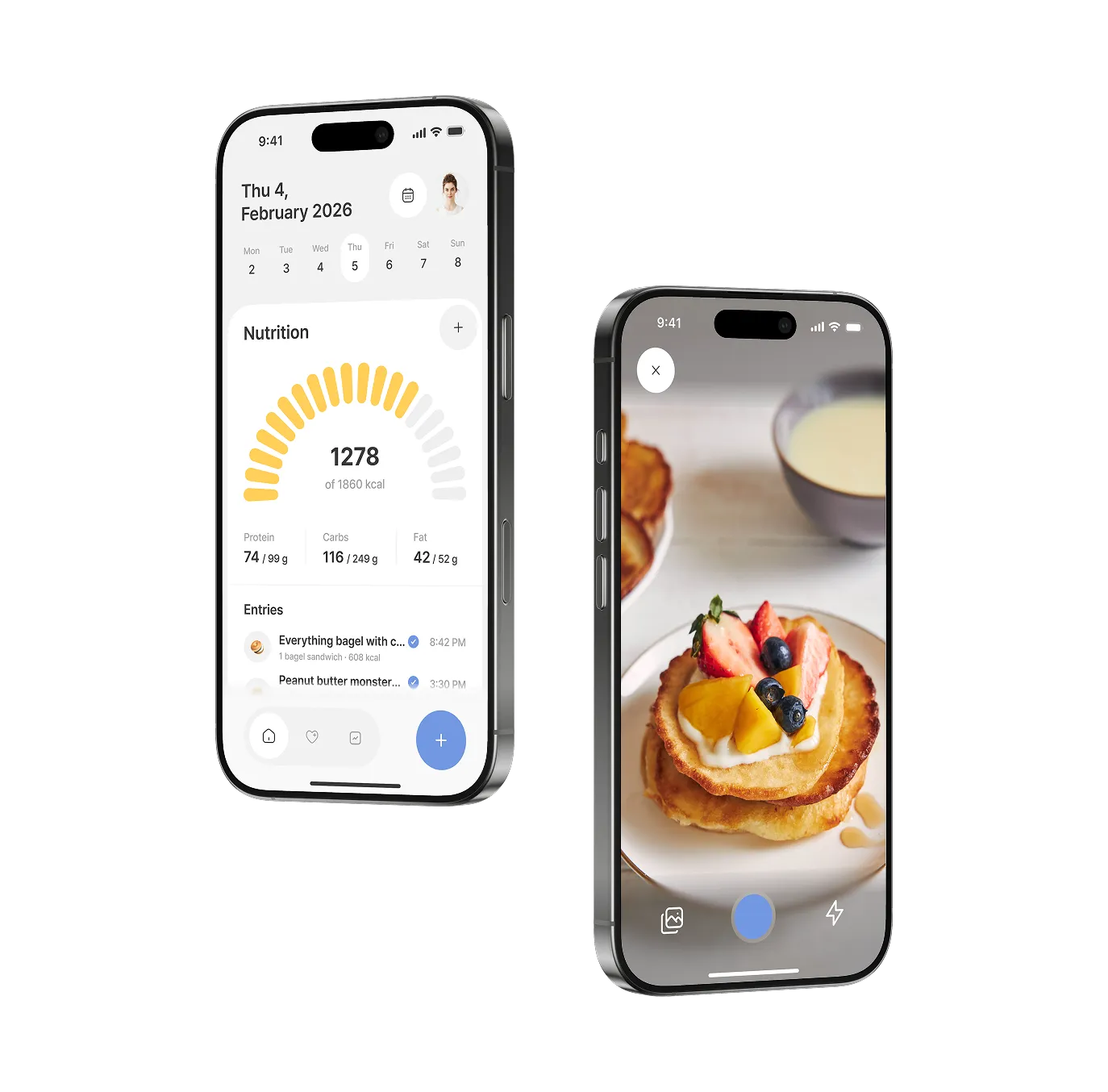
Snap a photo, speak, search our food database, or add your own — whatever's fastest for you. Nurelio handles calories, macros, and nutrients automatically.
AI nutrition tracking that reveals how your meals affect your energy, sleep, digestion, mood, and more, so you finally understand your body.
Download app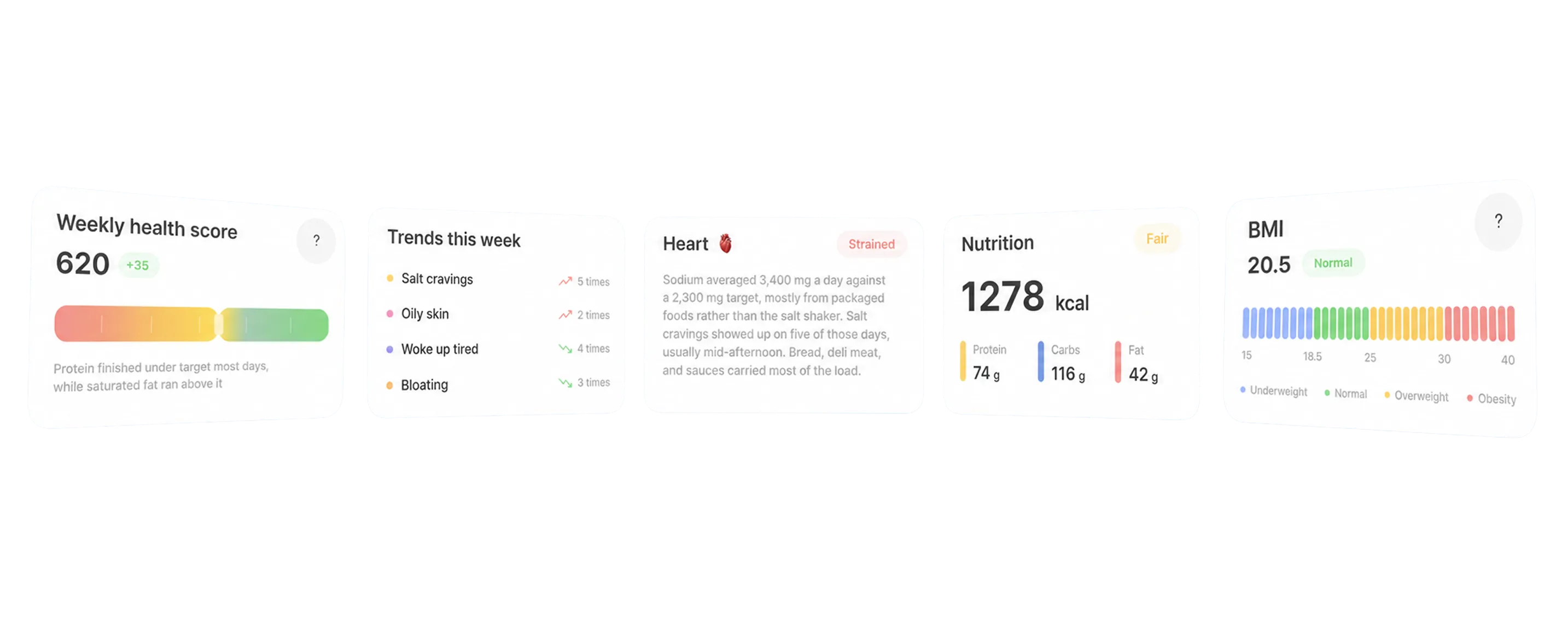
Kidneys
Sodium ran high while water stayed average. The kidneys felt both. A little more water would help balance it.
How it works
Step 1
Snap a photo, speak, search our food database, or add your own — whatever's fastest for you. Nurelio handles calories, macros, and nutrients automatically.
Step 2
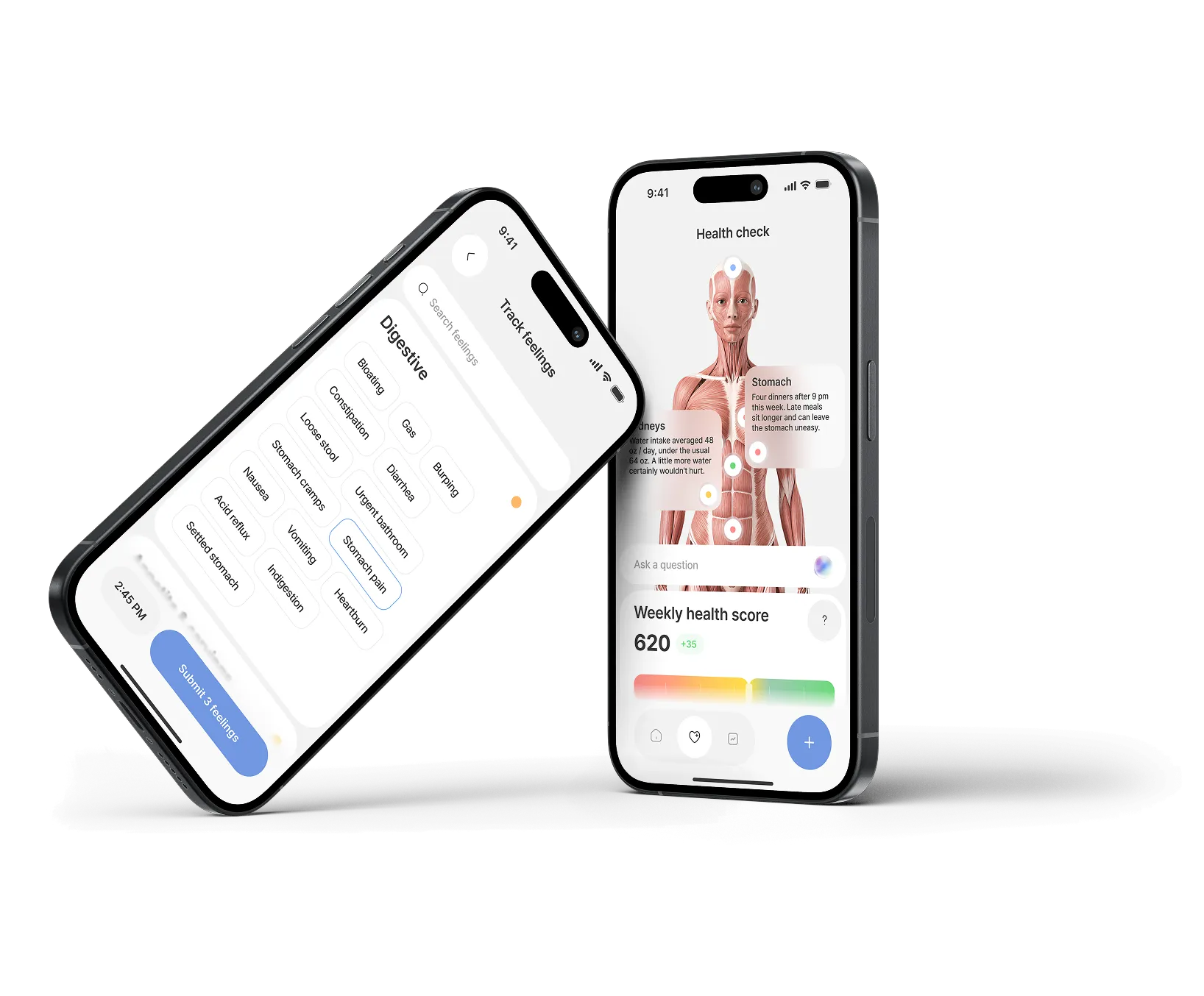
Log symptoms in a tap — digestion, energy, cravings, sleep, and more. See how your organs are holding up right now, and watch your weekly health score move.
Step 3
Nurelio finds the repeats — the foods that show up before your bloating, the meals that leave you flat, the timing your sleep responds to. Ask the AI assistant why, and get an answer that draws on your own history.
Why us
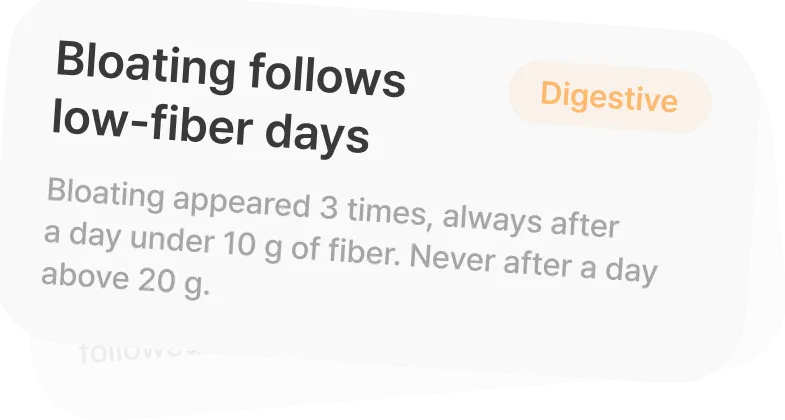
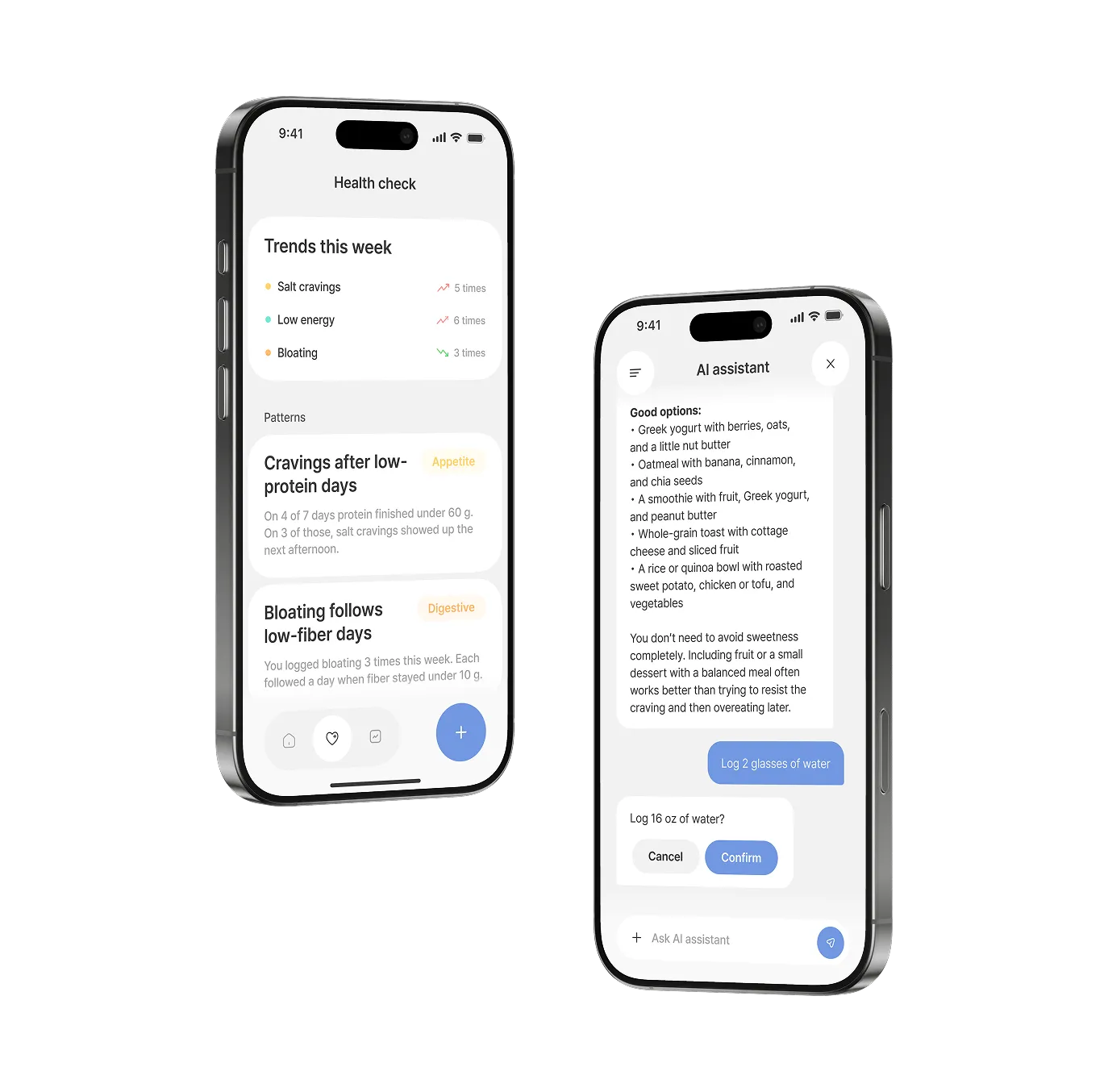
A single day tells you almost nothing. Nurelio reads across weeks and finds what keeps repeating between your meals and how you feel.
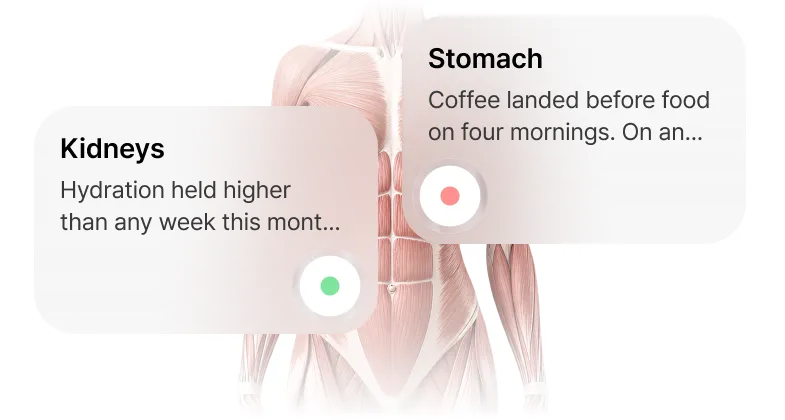
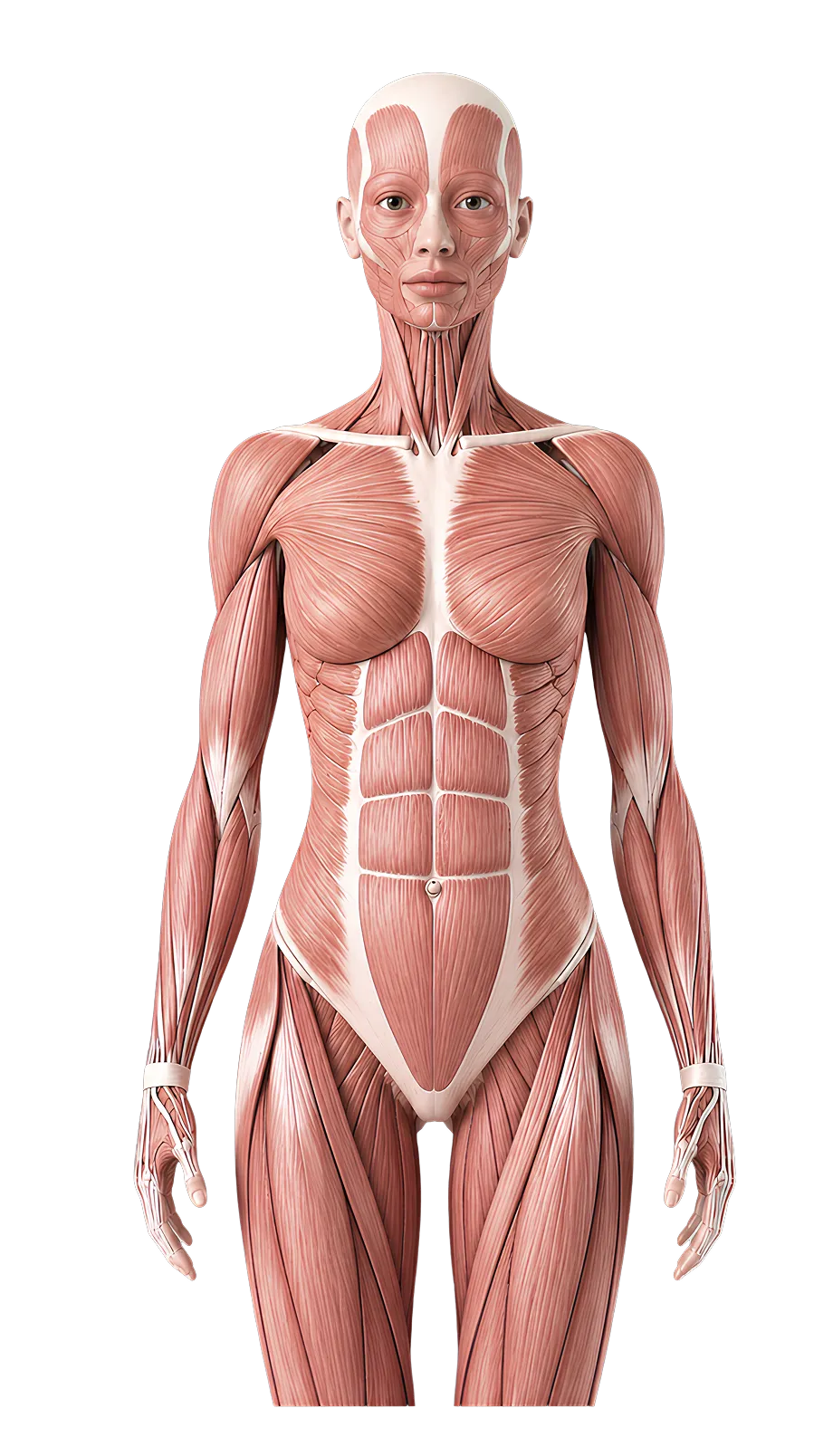
Every meal you log adds up to a picture of your heart, liver, gut, and five more. What was invisible in the numbers becomes something you can actually see.
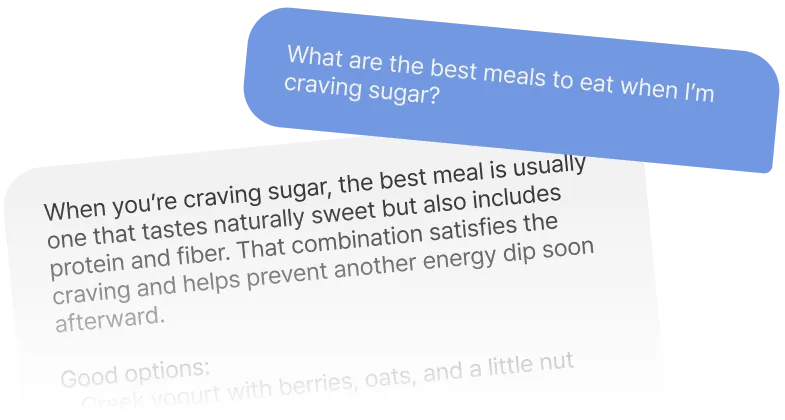
Nurelio remembers every meal, symptom, and pattern you've logged. Ask it anything, and the answer comes from your history instead of general advice.
FAQ
Everything that shapes how you feel: meals, calories, and macros, plus energy, mood, sleep, digestion, and more.
Nurelio ties them together, so you can see the connection between what's on your plate and how your day actually goes.
Traditional trackers stop at the numbers. Nurelio goes further — it correlates your meals with how you feel over time, surfacing the foods that give you energy and the ones that quietly work against you.
No. Snap a photo or describe your meal in a sentence, and Nurelio's AI recognizes the food and estimates calories and macros for you — no barcodes to scan, no databases to dig through.
The barcode scanner and the food search are still there for when they're faster. Whatever you log once, you can repeat with a tap.
Accurate enough to see trends, not accurate enough to be a lab result. Recognizing the food is the easy part; judging the portion is the hard one, and cooking oil, butter, and dressings barely show up in a picture.
So treat the first estimate as a starting point — every amount is editable, and a correction takes a second. Nutrition figures themselves come from four public food databases, and any nutrient we've had to estimate is marked with a tilde (~) instead of being passed off as measured.
Your calories, macros, and health score are there from the first meal you log.
Patterns take longer, by design. Nurelio looks across about a week at a time and only shows a connection once it has repeated at least three times and the effect is big enough to stand out from an ordinary bad day. A week of honest logging is roughly the point where it starts talking back.
No, and it won't pretend to. Nurelio finds patterns in your own data — it doesn't diagnose, test, or treat anything, and it's not a substitute for a doctor or a dietitian.
What it gives you is a clear record of what you ate and how you felt, which is exactly the thing that's impossible to reconstruct from memory in a ten-minute appointment. Patterns, not proof.
Yes, both ways, and only if you allow it. Nurelio can read your weight, steps, sleep, and activity so its picture of your day isn't limited to food, and it can write your meals, water, and weight back so the rest of your apps stay in sync.
Skip the permission and everything else still works — you'll just log those few things by hand.
iPhone today. Android is in the works, and we'd rather ship it once the health integrations are properly done than rush a version that only half works.
Logging is free, permanently: meals by photo, voice, or text, your calories and macros, water, weight, how you feel, and your daily health score.
Nurelio Pro adds the parts that need weeks of history behind them — pattern detection, health insights, the AI coach chat, full micronutrients, and advanced analytics. The annual plan starts with 14 days free, and you cancel in your App Store settings whenever you like.
Your health data lives in an encrypted database on your phone, not on our servers. Features that genuinely need the internet — identifying a food from a photo, answering a coach question — send only what that one feature needs and keep nothing afterwards.
Nothing is sold, ever. You can export or permanently delete everything whenever you want.
Two things protect you, and both are worth doing on day one. Set a backup password in Settings, and use Export data to keep your own copy — Import data restores it on a new phone.
Anything you've shared with Apple Health is also in Apple Health, so it follows your iCloud backup. More detail lives on our support page.